 Skip to content
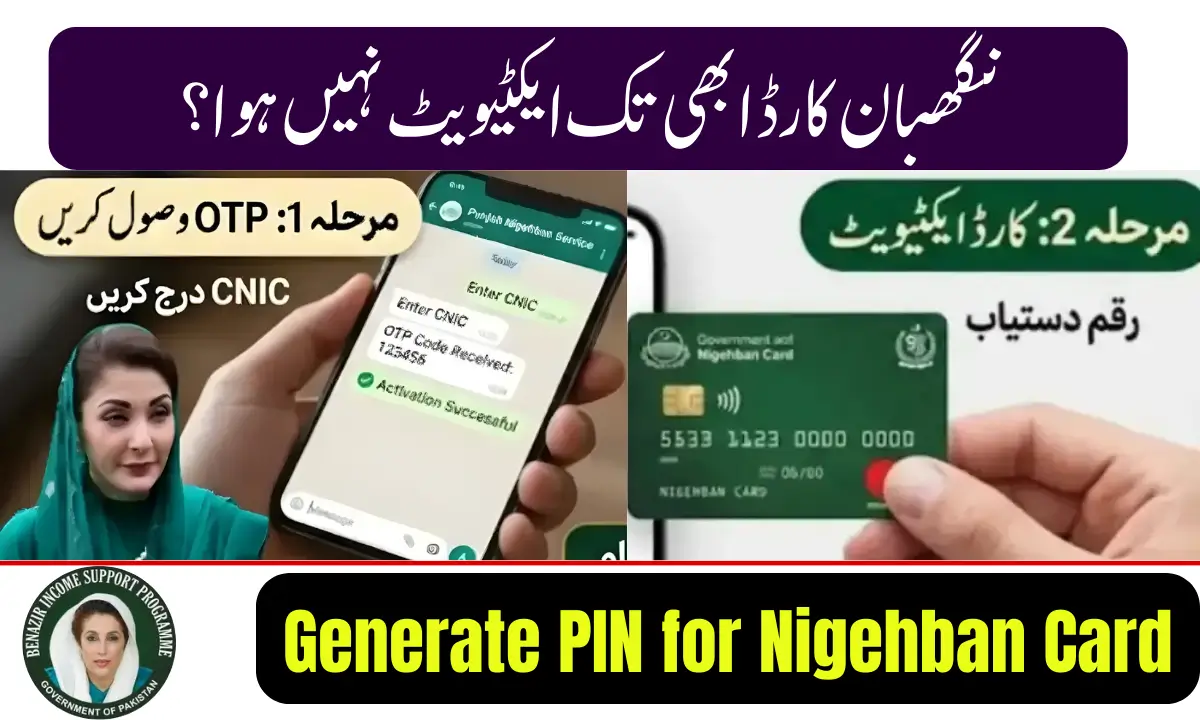
The Nigehban Card, introduced by the Government of Punjab under the Nigehban Ramadan Relief Program, helps eligible families receive financial assistance and ration subsidies during Ramadan. Beneficiaries receive the card through the Bank of Punjab, and activating it by generating a secure PIN is the first step to accessing the funds.
If you recently received your card, this guide explains the PIN generation process, activation steps, and withdrawal method in 2026.
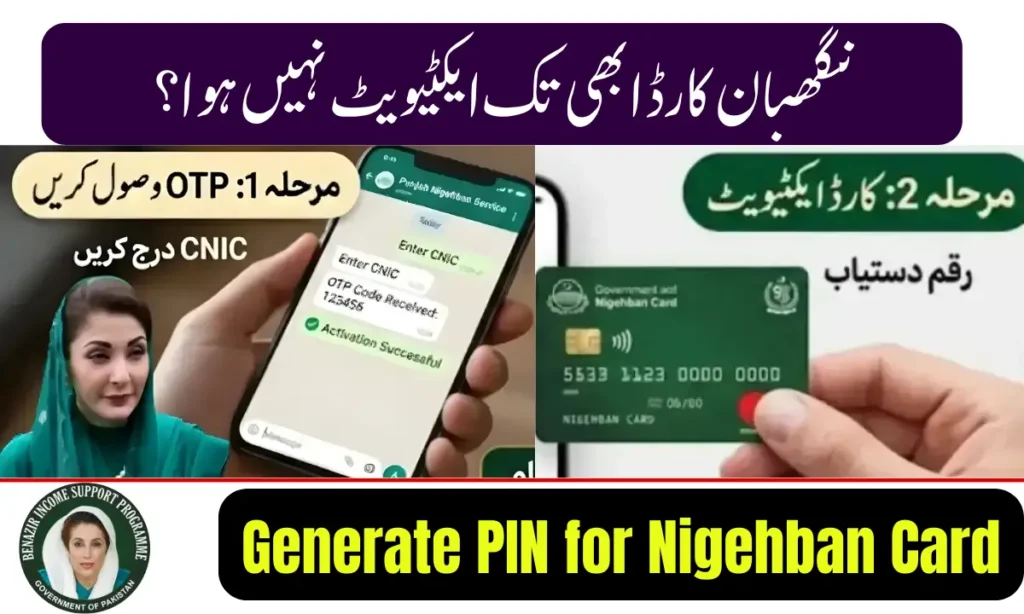
What Is the Nigehban Bank of Punjab Card?
The Nigehban Card is a government-issued financial support card provided to low-income households. It allows beneficiaries to withdraw assistance funds through ATMs and authorized retailers.
Key features
- Issued through the Bank of Punjab
- Part of the Nigehban Ramadan Relief Program
- Enables secure ATM withdrawals
- Linked with beneficiary CNIC verification
- Designed for transparent subsidy distribution
How to Generate PIN for Nigehban Card (Step-by-Step)
After receiving your card, follow these simple steps to create your PIN.
Step 1: Visit a Bank of Punjab ATM
Go to the nearest ATM of the Bank of Punjab.
Step 2: Insert Your Nigehban Card
Place the card into the ATM and select the PIN Generation / Activation option.
Step 3: Enter Your CNIC Details
The system will ask for your CNIC number for identity verification.
Step 4: Create a New PIN
Enter a 4-digit PIN code that is easy for you to remember but difficult for others to guess.
Step 5: Confirm the PIN
Re-enter the PIN to confirm. Once approved, your card will be activated.
After completing these steps, your card will be ready for cash withdrawals and balance checks.
How to Withdraw Money After PIN Generation
Once the PIN is created, you can withdraw assistance funds.
Withdrawal process
- Insert the Nigehban Card into the ATM
- Enter the 4-digit PIN
- Select Cash Withdrawal
- Choose the amount
- Collect your cash and receipt
Funds are provided under the relief package launched by Maryam Nawaz through the Punjab Government.
Important Safety Tips for Cardholders
To protect your financial assistance:
- Never share your PIN with anyone
- Avoid taking help from strangers at ATMs
- Cover the keypad while entering the PIN
- Immediately report lost cards to the bank
These precautions help ensure safe access to government funds.
Common Issues During PIN Generation
Some users may face technical issues while activating the card.
Possible solutions:
- Ensure your CNIC matches the registration record
- Try another ATM of the Bank of Punjab
- Contact the official helpline or visit a nearby branch
Bank staff can assist in resolving activation problems.
Final Thoughts
Generating a PIN for the Nigehban Bank of Punjab Card is a quick and important step to access financial support provided through the Nigehban Ramadan Relief Program. By completing the activation process at a Bank of Punjab ATM, beneficiaries can securely withdraw their assistance and manage funds without delays.